How to Get More Google Reviews: The Complete Guide
More Google reviews mean more trust, more visibility on Google Maps and more customers choosing you over the competition. But getting a steady flow of reviews does not happen by accident. This guide brings everything together: a simple, step by step system for getting more Google reviews, the tools that make it effortless and the rules you need to follow so the reviews you earn are the reviews that stay.
Set up a complete Business Profile, get your review link, make reviewing effortless, ask every customer at the right moment, reply to every review and stay within Google’s rules. Do those six things consistently and your reviews will grow steadily, month after month.
Why Google reviews matter
Reviews do two jobs at once. They help Google decide where to show you, and they help customers decide whether to choose you. Google explains that more reviews and positive ratings can help your business’s local ranking, as part of how prominent your business is. Our guide on how Google reviews affect your Google Maps ranking explains this in more detail.
Step 1: Set up and complete your Business Profile
Before you ask for a single review, make sure your Google Business Profile is ready. Google says verified businesses are more likely to show up in search results, and that businesses with complete, accurate information are more likely to appear for relevant searches.
- Claim and verify your Business Profile.
- Add your address or service area, phone number and website.
- Set accurate opening hours, including special and holiday hours.
- Choose the most relevant categories and add attributes such as parking or accessibility.
- Upload recent photos of your premises, team and work.
Step 2: Get your review link and QR code
Your Google review link takes customers straight to your review form, and Google also gives you a QR code to print. Find both by going to your Business Profile, selecting Read reviews and then Get more reviews. Our step by step guide explains how to get your Google review link, including the QR code.
Step 3: Choose how you will ask
The best method depends on how you meet your customers. Most businesses use two or three of these together.
| Method | Best for | Effort for the customer |
|---|---|---|
| NFC review card or plaque | Counters, tables, appointments and jobs | One tap |
| QR code | Receipts, signs, menus and flyers | Scan with the camera |
| Online orders, bookings and invoices | Click a link | |
| Text or WhatsApp | Trades and appointment based businesses | Click a link |
| Live chat | Businesses that support customers online | Click a link |
| Social media | An occasional reminder to followers | Click a link |
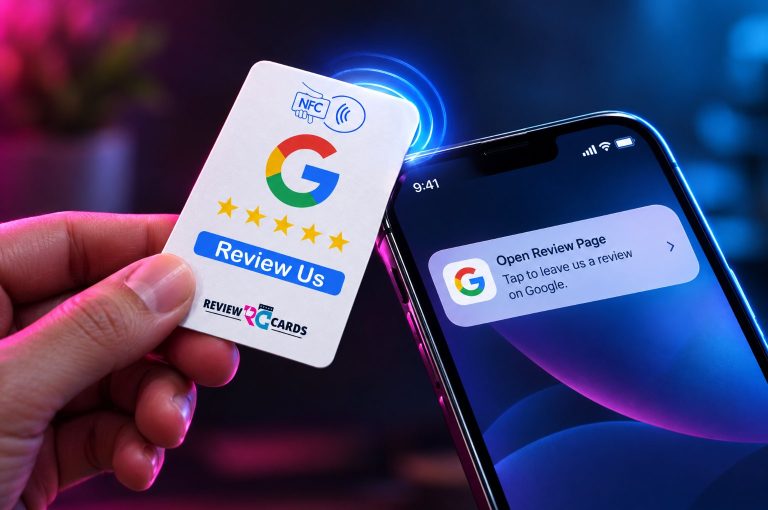
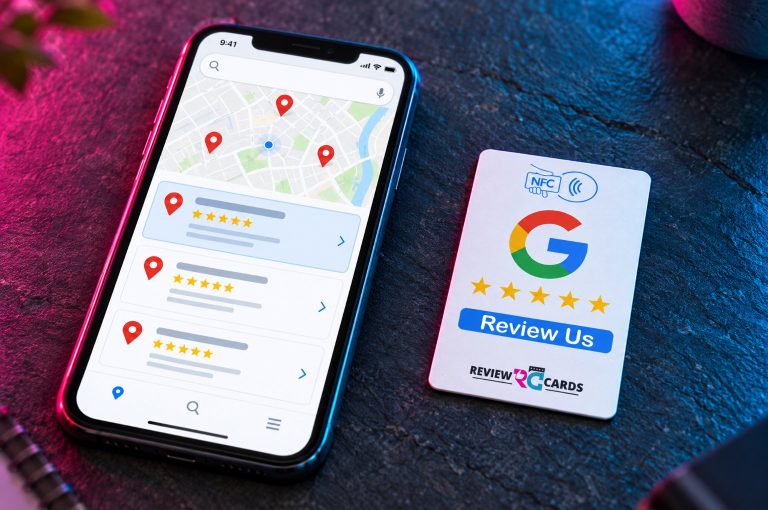
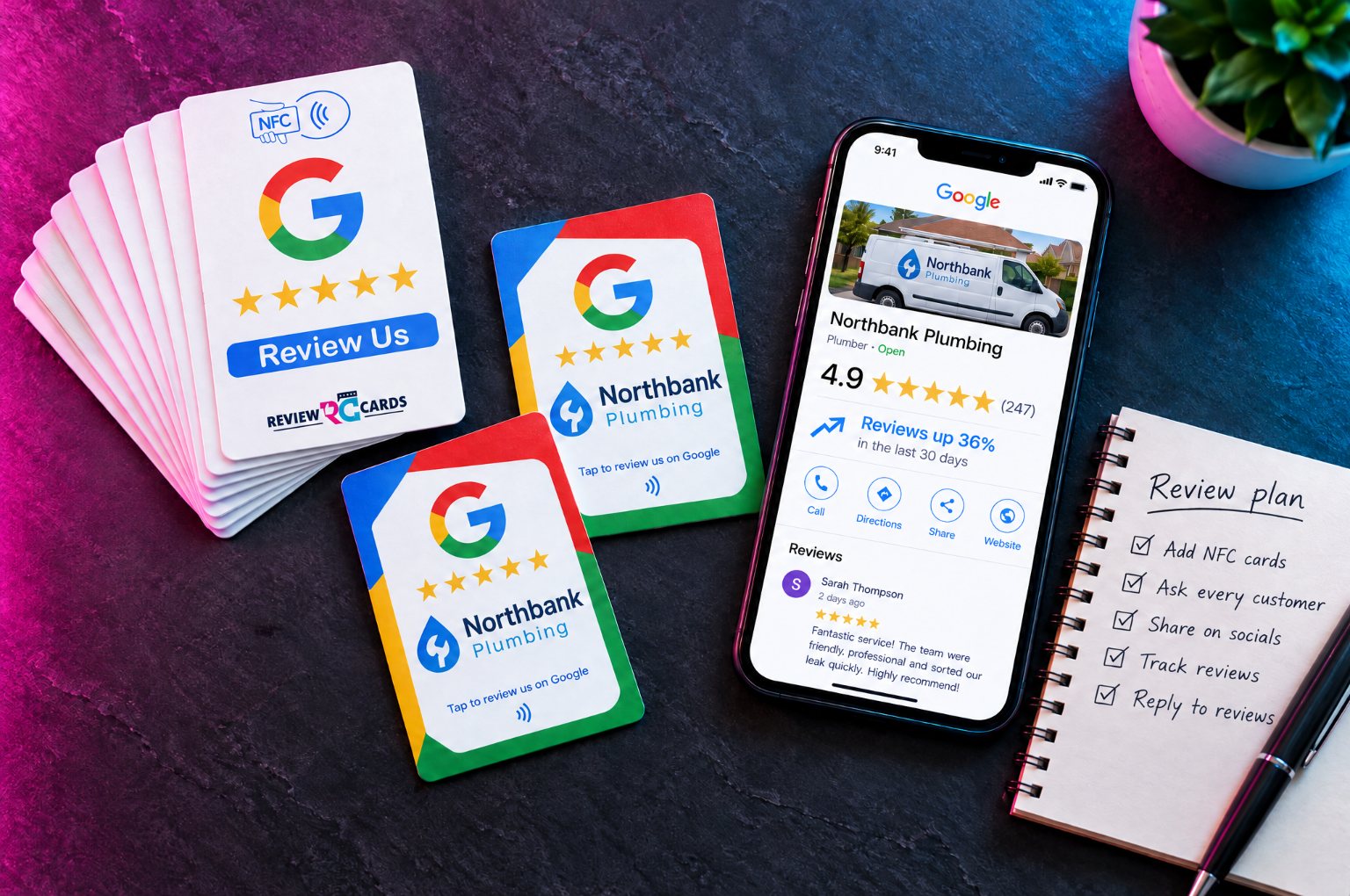
For face to face businesses, a tap to review card is the quickest route from “happy to help” to a posted review. Read our complete guide to NFC Google review cards or find out whether Google review cards work in the UK.

Step 4: Ask every customer, at the right moment
Most happy customers will not leave a review unless someone asks. Ask when the experience is complete and fresh, such as at checkout, at the end of an appointment or when a job is finished. Ask everyone in the same friendly way, and make it clear it is optional.
Thanks so much for choosing us today. If you have a minute at some point, we would really appreciate your honest feedback on Google. This card takes you straight there.
A simple, neutral script your whole team can use
Need more wording? Our guide on how to ask for Google reviews without being pushy includes scripts for in person, email, text and social media. If customers worry about needing Gmail, point them to our guide on leaving a review without a Google account.
Make it routine
Build the request into every checkout, appointment or job completion.
Brief your team
Give everyone the same short script and explain the rules.
Keep it steady
A consistent flow of reviews is better than a burst, which can look suspicious.
Step 5: Reply to every review
Replies are public and read by future customers. Thank people for positive reviews, and respond to negative ones calmly, briefly and helpfully, offering to continue the conversation directly. Google says that replying shows you value customer feedback. Our guide to improving your Google Maps reviews includes example replies.
Treat reviews as free feedback too. Look for repeated themes, fix the root causes and share praise with your team. Better experiences naturally lead to better reviews.
Step 6: Stay within Google’s rules
Shortcuts can cost you every review you have worked for. Google removes reviews that break its policies and can restrict your Business Profile, and in the UK fake reviews and concealed incentivised reviews have been illegal since April 2025.
Do
- Ask every customer, in the same way
- Ask for honest feedback
- Keep it optional, now or later
- Make it easy with a link, QR code or card
- Reply to every review
Do not
- Offer discounts, freebies or prize draws for reviews
- Only ask customers you know are happy
- Run staff competitions or targets based on reviews
- Ask customers to mention staff or specific details
- Buy reviews or ask friends and family to post them
Read our plain English guide to Google’s review policy for every rule in detail, and our guide on why Google reviews disappear if you ever lose any.
Track your progress
Check your Business Profile once a month and keep an eye on four simple measures. Small, steady improvements add up quickly.
- New reviews this month, to make sure your process is running.
- Average rating, and whether it is moving up or down.
- Unanswered reviews, aiming for none.
- Common themes in what customers praise or criticise.
Frequently asked questions
How can I get more Google reviews quickly?
Make it effortless and ask everyone. Share your review link, display your QR code and use a tap to review card, then make asking part of every customer interaction. Avoid sudden bursts, which can look like manipulation.
Can I get Google reviews without asking?
Some customers will review you unprompted, but most will not. Visible QR codes and review cards help, but a friendly, personal request makes the biggest difference.
Can I offer a prize draw or discount for reviews?
No. Google treats any incentive as fake engagement, and reviews collected this way can be removed and your profile restricted.
Can I buy Google reviews?
No. Paid and fake reviews break Google’s policies and are illegal in the UK. They can be removed and lead to restrictions on your profile.
What should I do about a bad review?
Reply calmly and helpfully, and offer to resolve the issue directly. Only report it if it breaks Google’s policies, for example because it is fake or abusive.
How many Google reviews should I aim for?
There is no magic number. Aim for a steady flow of recent, genuine reviews, and compare yourself with the businesses you compete with locally.
The bottom line
Getting more Google reviews is not about tricks. It is about a simple system run consistently: a complete profile, an easy way to review, a friendly request to every customer, thoughtful replies and a commitment to the rules. Put that system in place and your reviews will keep growing, along with the trust and visibility they bring.
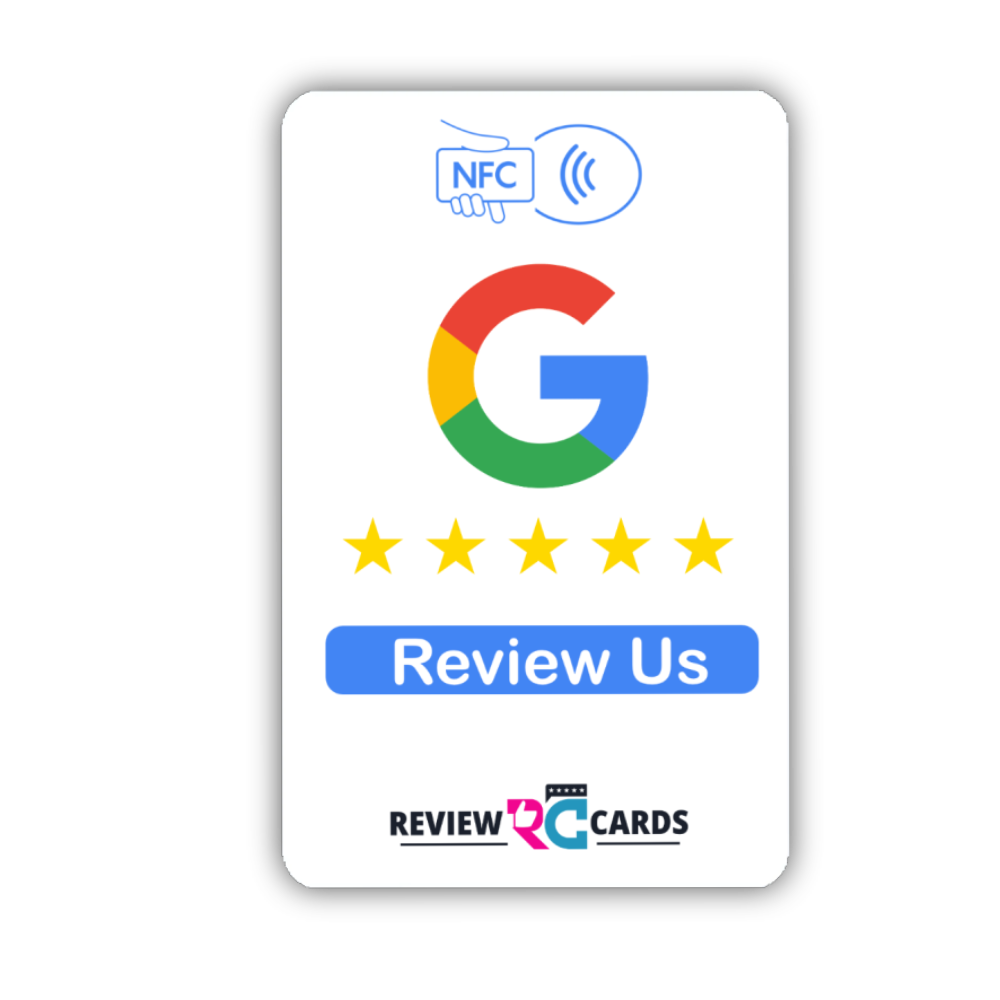
Google Review NFC Cards
The easiest way to turn happy customers into Google reviews, with a single tap. Pay once and collect unlimited reviews.
- From £14.99
- No monthly fees
- Free worldwide shipping
- 100% money back guarantee